Create your account
One account covers everything you do in HustlX: playing, registering a child, coaching, and running an organization. You can browse public leagues, trainings, and teams first and sign up when you are ready to join something.
Sign up
Open the sign-up page
Go to www.hustlx.com/register, or select Sign up on the login page.
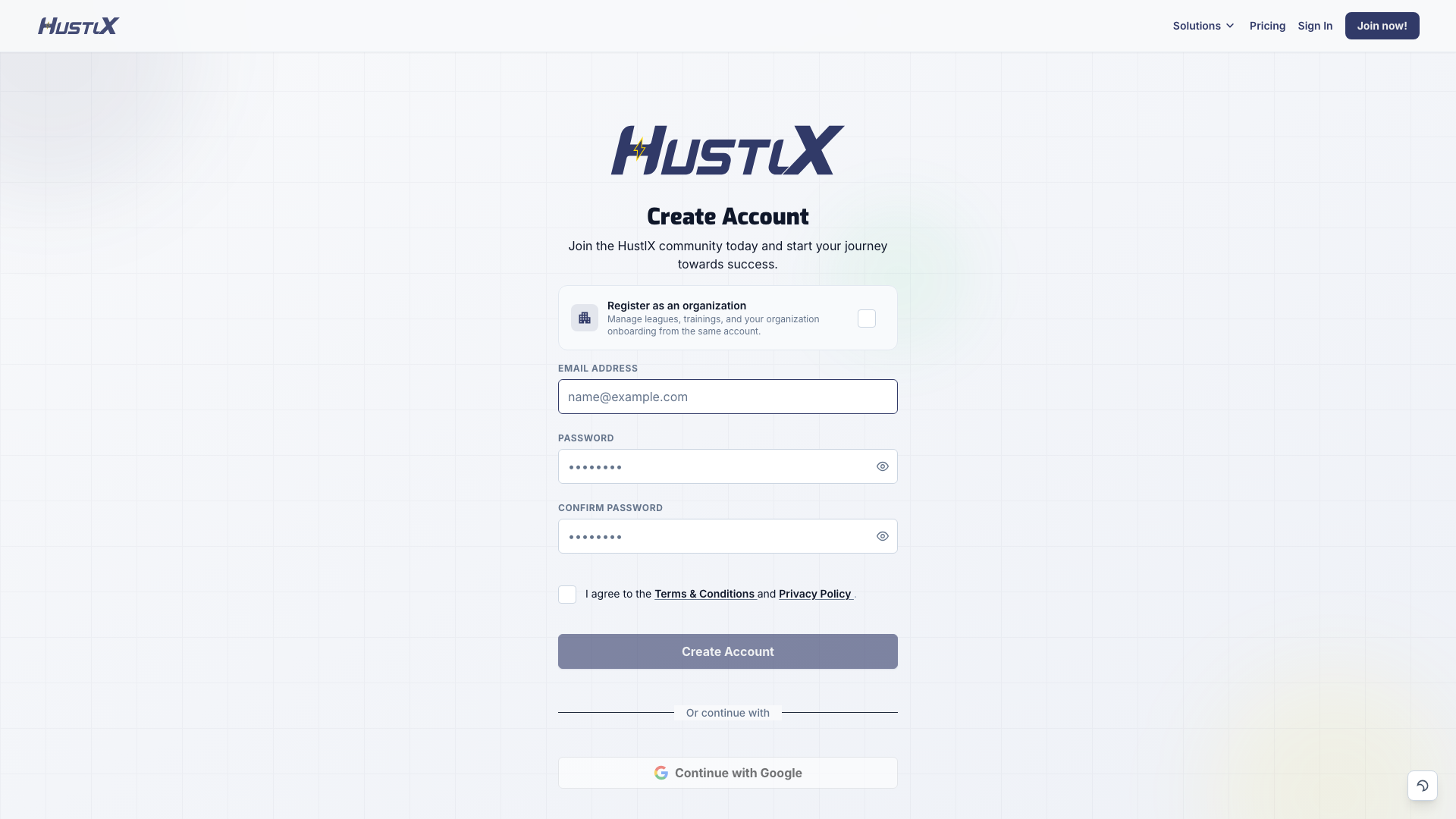
Choose the account type
Leave the Register as an organization card unticked for a personal account. Select it so its checkbox is ticked if you are setting up a club, academy, league, or school; the heading changes to Create Organization Account. If you came from a Create Organization link on the HustlX website, it is already ticked; you can untick it.
Enter your details
Enter your Email Address, Password, and Confirm Password, then accept the Terms & Conditions and Privacy Policy. Select Create Account (or Create Organization Account).
To sign up with Google instead, accept the terms first, then select Continue with Google. Some accounts also see Continue with Facebook.
Verify your email
HustlX sends a 6-digit verification code to your email address. Enter it on the Verify Your Email page and select Verify Email.
Finish onboarding
Personal accounts go through four short steps. Select Save & Continue after each one.
- Personal Info: profile photo, First Name, Last Name, Username, Date of Birth, and a short Bio.
- Location: your country and address.
- Physical Profile: height, weight, Wingspan, and Vertical Jump. You can select Skip for now.
- Select Your Sports: pick each sport you play, then choose the positions, roles, and skills that describe you. Select Complete Onboarding.
When you finish, HustlX opens your dashboard and offers a short welcome tour. Organization accounts continue to organization setup instead; see Create an organization.
Sign in
Go to www.hustlx.com/login, enter your Email and Password, and select Log In. If you signed up with Google, select Continue with Google.
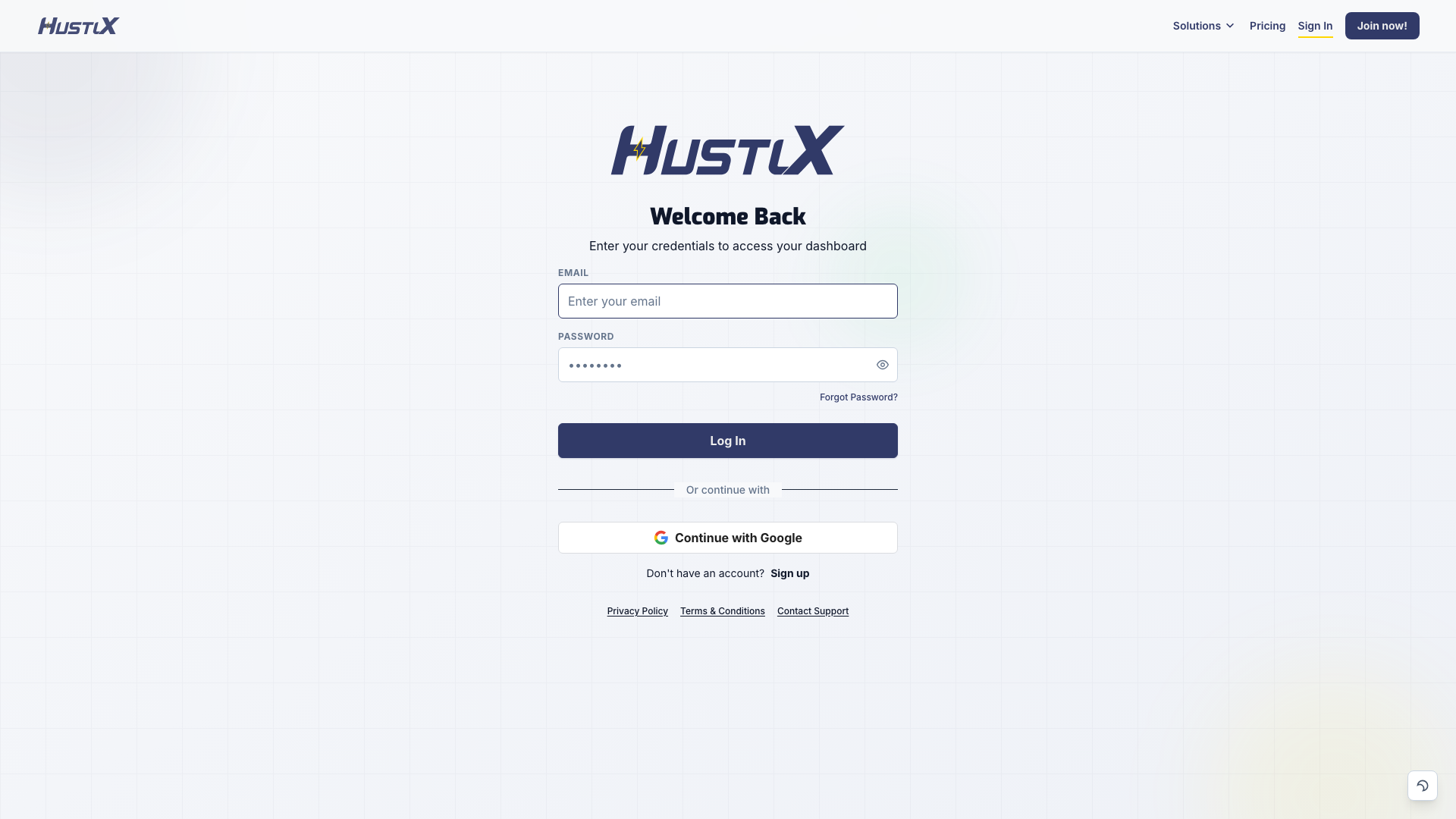
If your account still needs verification or onboarding, HustlX takes you back to that step first.
Forgot your password
- On the login page, select Forgot Password?.
- Enter your Email and select Send Reset Link.
- Open the link in the email. On the Reset Password page, enter a New Password and Confirm Password, then select Reset Password.
If the page says This link has expired, select Request a new link and use the newest email.
Troubleshooting
The verification code did not arrive
Check your spam or junk folder. Select Resend code on the verification page; you can resend once every 60 seconds. Use the newest code, because older codes stop working.
I signed up with the wrong email address
On the verification page, select Log out and try again, then sign up with the correct address.
I created the wrong account type
If you have not submitted the form yet, change Register as an organization before you select Create Account. If the account already exists, contact Support before you create a second account.
Login keeps sending me to another page
HustlX sends you to verification or onboarding until those steps are done. Finish the step on screen, then go to the page you wanted.