Set up your player profile
Your player profile is your public page on HustlX. It collects your teams, leagues, trainings, matches, and awards in one place, and you control which records visitors can see.
Before you start
- Create your account and finish onboarding.
- Verify your email address. HustlX asks for a verified email before saving some profile changes.
Edit your profile details
Open Settings
Select your avatar in the top navigation, then select Settings. Settings opens on the Profile page.
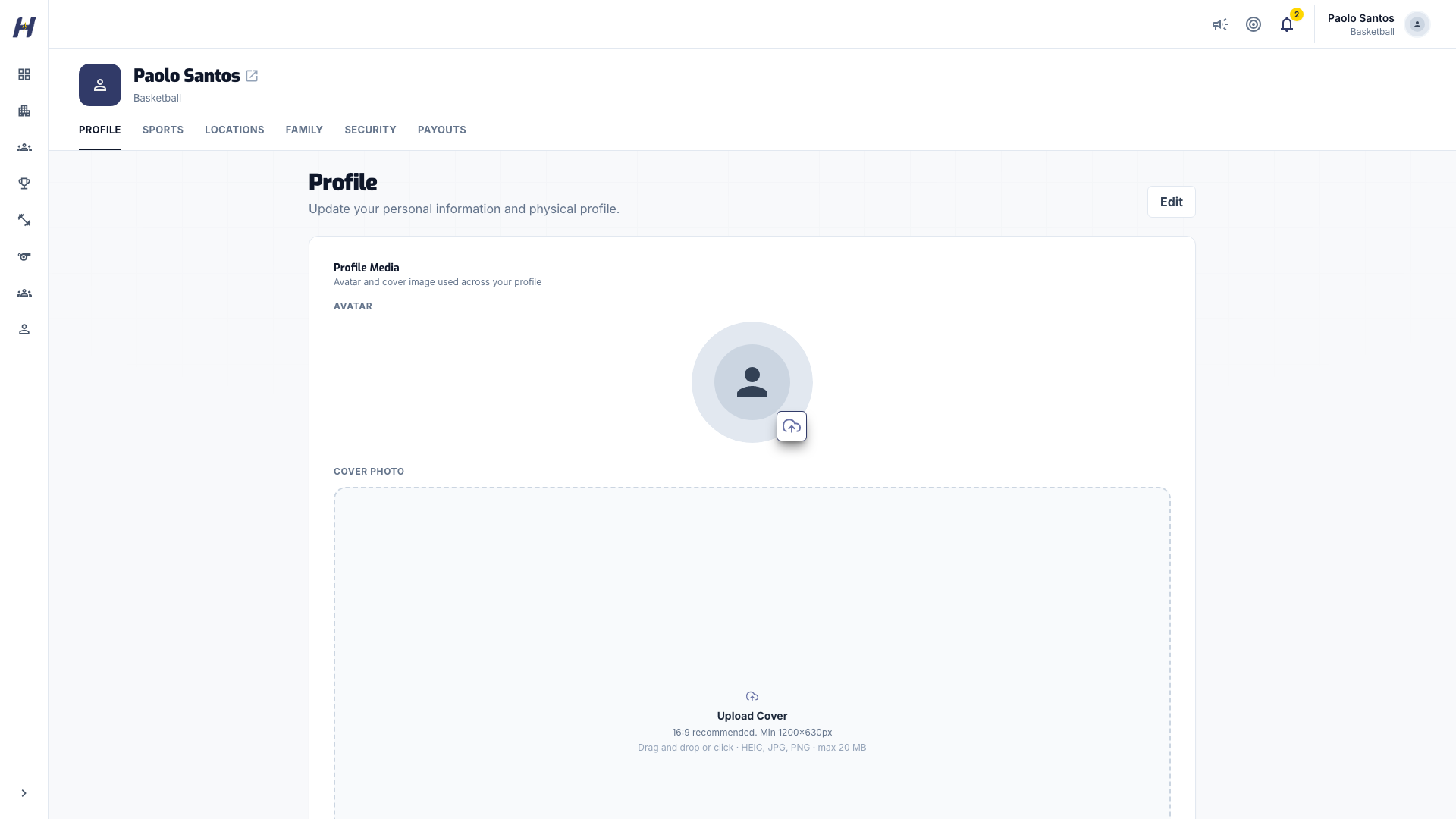
Update your photo and cover
In Profile Media, upload an Avatar and a Cover Photo. A 16:9 cover image of at least 1200x630 pixels looks best. Each image saves on its own.
Edit your personal information
Select Edit at the top of the page. In Personal Information, update your First Name, Last Name, Display Name, Username, Date of Birth, Gender, Timezone, and Bio, then select Save Changes.
Your Email is shown for reference and cannot be changed here.
Add your physical profile
While editing, fill in Height, Weight, Wingspan (in), and Vertical Jump (in) under Physical Profile, then select Save Physical Profile.
www.hustlx.com/profile/{username}. Changing it changes the link you share.Set your sports
Open Sports
In Settings, select Sports, then select Edit.
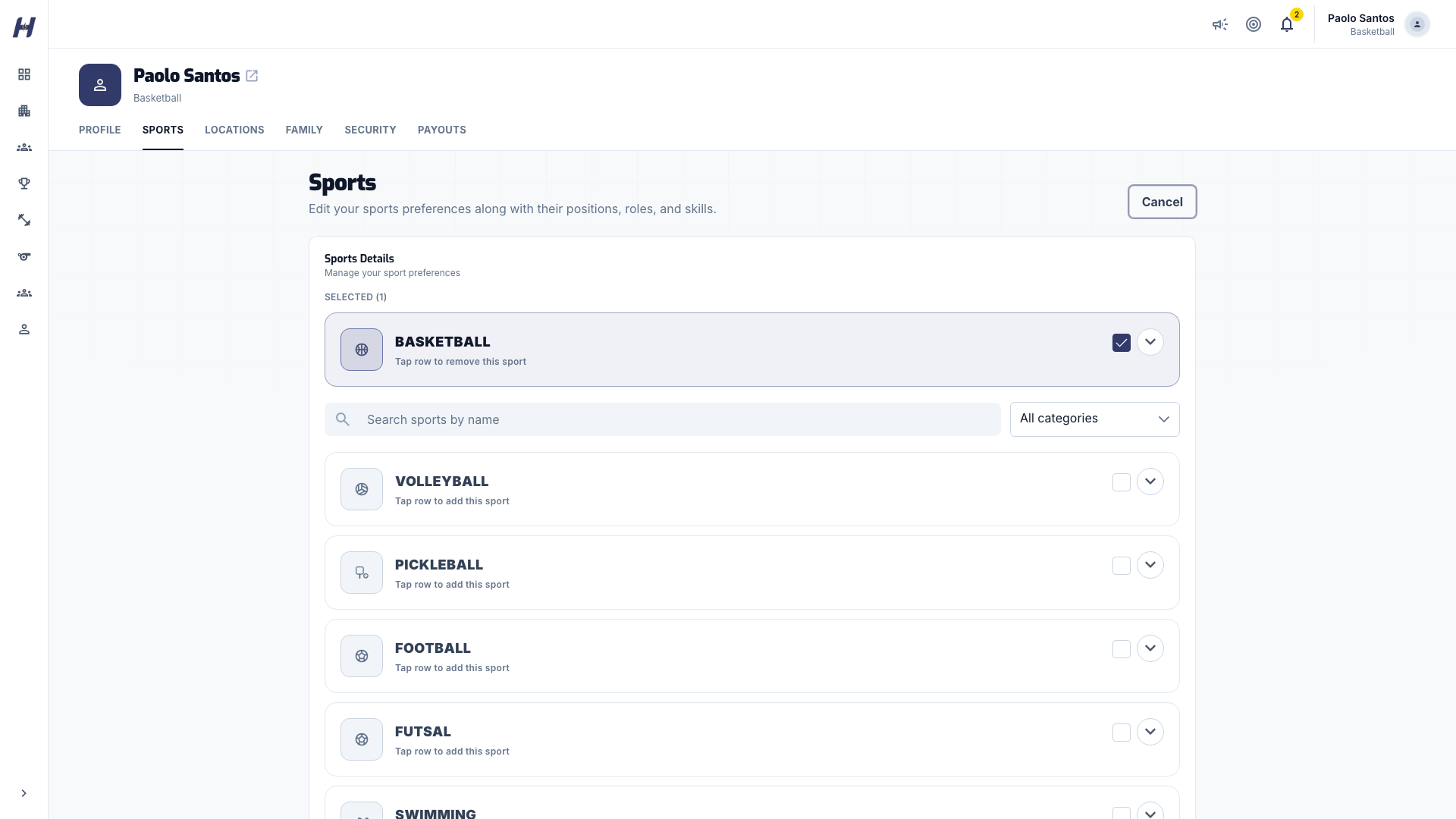
Choose your sports
Tap a sport row to add it, or tap it again to remove it. Sports with extra details expand to show position, role, and skill options.
Pick positions, roles, and skills
Select the options that describe how you play in each sport. Then select Save Sports Details.
Review your public profile
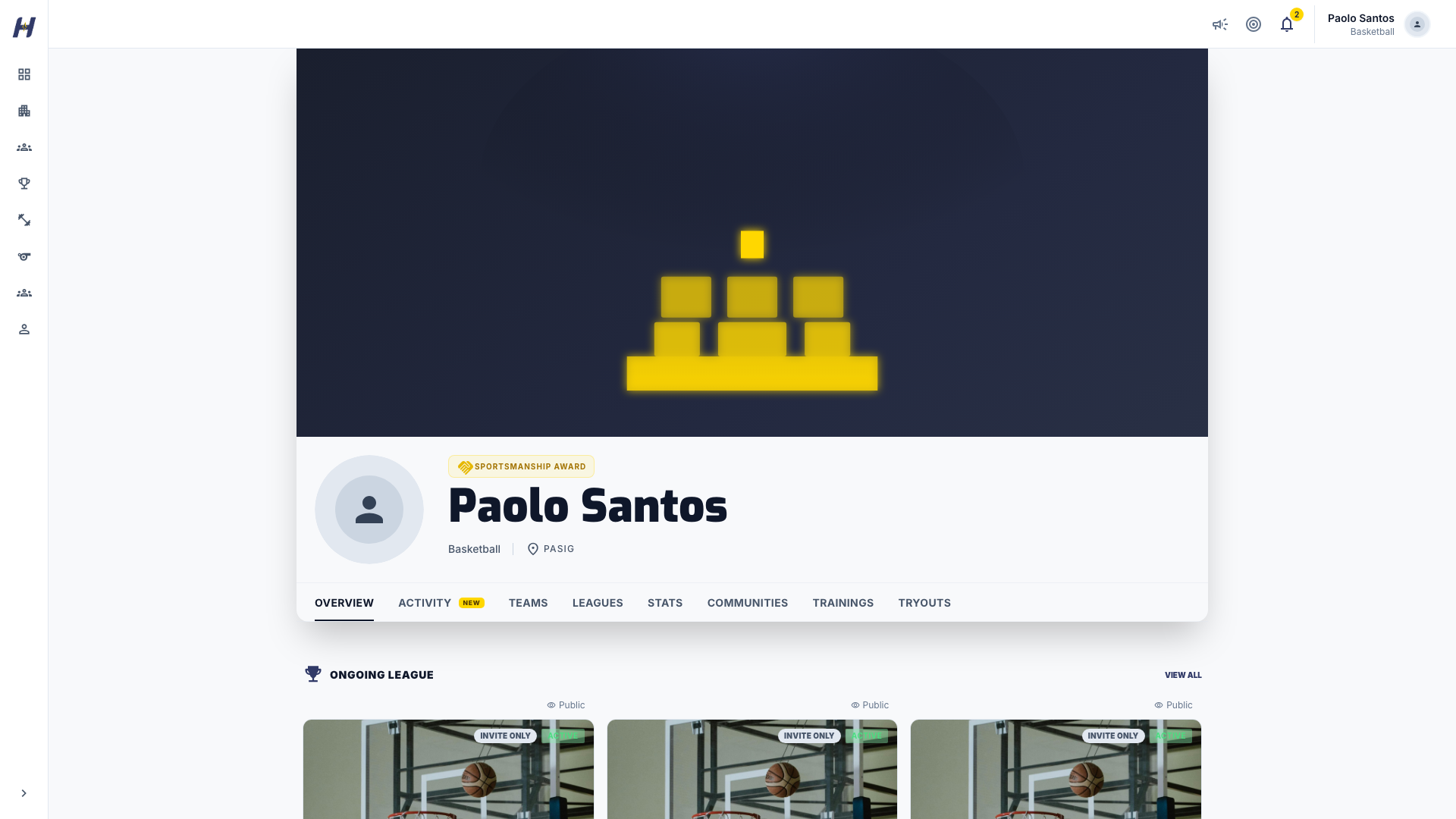
Select your avatar, then My Profile. Your profile has these tabs:
| Tab | What it shows | Who sees it |
|---|---|---|
| Overview | Ongoing leagues and trainings, Recent activity, Awards Cabinet, Experience, and upcoming matches and trainings | Everyone |
| Activity | A filterable feed of your matches, awards, trainings, tryouts, and practice days | Everyone, for public records |
| Teams and Leagues | Your team and league history | Everyone |
| Trainings | Your training history | Everyone, for public records |
| Stats | Your recorded league statistics by sport | Only you |
| Communities | Your community memberships | Only you |
| Tryouts | Your tryout registrations | Only you |
Control what visitors see
Each record on your profile has its own visibility. On your own profile, a record shows Visible on profile or Hidden - only you see this. In the Activity feed, the same control shows Public or Only you. Select it to switch.
New records start with these defaults:
- Public: matches, Player of the Game honors, awards, league participation, and team membership.
- Only you: trainings, tryouts, practice days, and pay-to-play activity.
If you are under 18, or your date of birth is not set, every record starts as Only you. Your date of birth is never shown to other people.
What happens next
- Your profile updates as organizers record your matches, awards, and training attendance.
- Recorded statistics appear on your Stats tab after a live-scored league match.
Troubleshooting
My changes did not save
Select Edit first; fields stay locked until you do. If HustlX asks you to verify your email, verify it and save again.
A visitor sees less than I do
Visitors see only records marked public. Trainings, tryouts, and practice days are private by default. Open the record on your profile and switch it to public if you want to share it.